The Floor
A downloadable game for Windows
Have you ever wanted to try yourself out in a TV show? Now it's your chance! Grab your friends, prepare categories and go.
Fully interactable build to provide fun up to 25 people.
Locally, the game needs two displays to work properly.
When played online, just share the game window with the game logo.
Download
Install instructions
THE FLOOR by BIBKABIBKA
Game made by Bibkabibka based on The Floor TV show. Version 1.0.1
--------------------------------------------------
SETUP
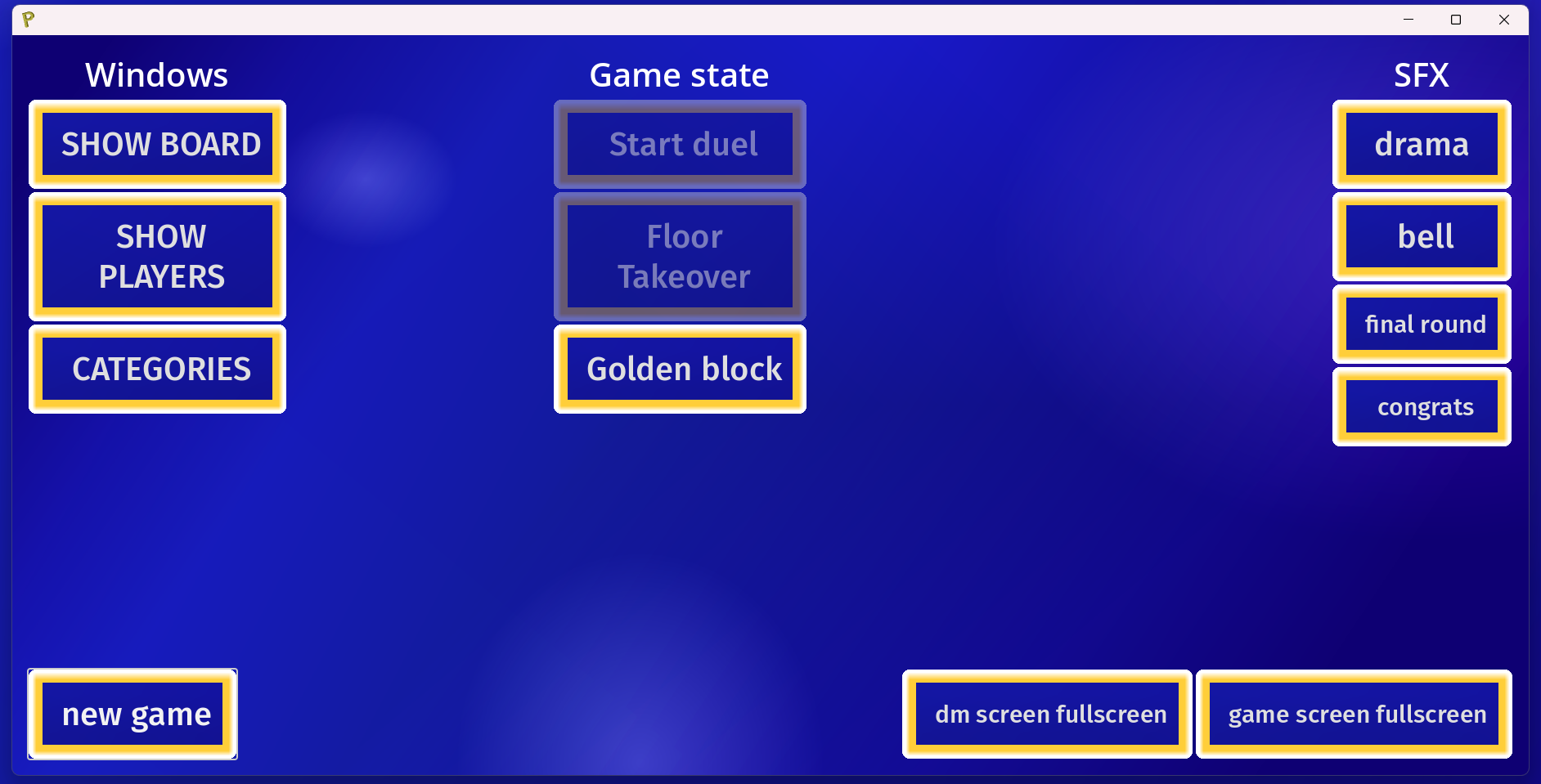
Use a computer with another display, like a TV, another monitor. after you open the game, on the main display that is available for everyone, slide the window with game logo. The DM console should be on the other display, not available only for one person at a time. YOu may press FULLSCREEN buttons after the windows are on correct displays.
GAME INSTRUCTION
Close the instruction window to exit the game.
Add your categories in THE PODŁOGA/categories folder: create new folder and name it the way you want it to appear in game. Next, add desired pictures/mp3 files in the created folder.
* You can delete premade folders with categories if you don't want to use them. To be sure of proper deleting them, open also the categories.json file in the game data (THE PODŁOGA) folder and remove unwanted lines.
To make a word category, create a json file and name in the way you want it appear in game. The contents: should follow this pattern: {"answer_1" : ["hint_1","hint_2","hint_3"], "answer_2" : ["hint_4","hint_5","hint_6"], ...}.
In CATEGORIES section in game, add your newly created categories, provide them with their type and time for the category (in the original show it's 45 seconds).
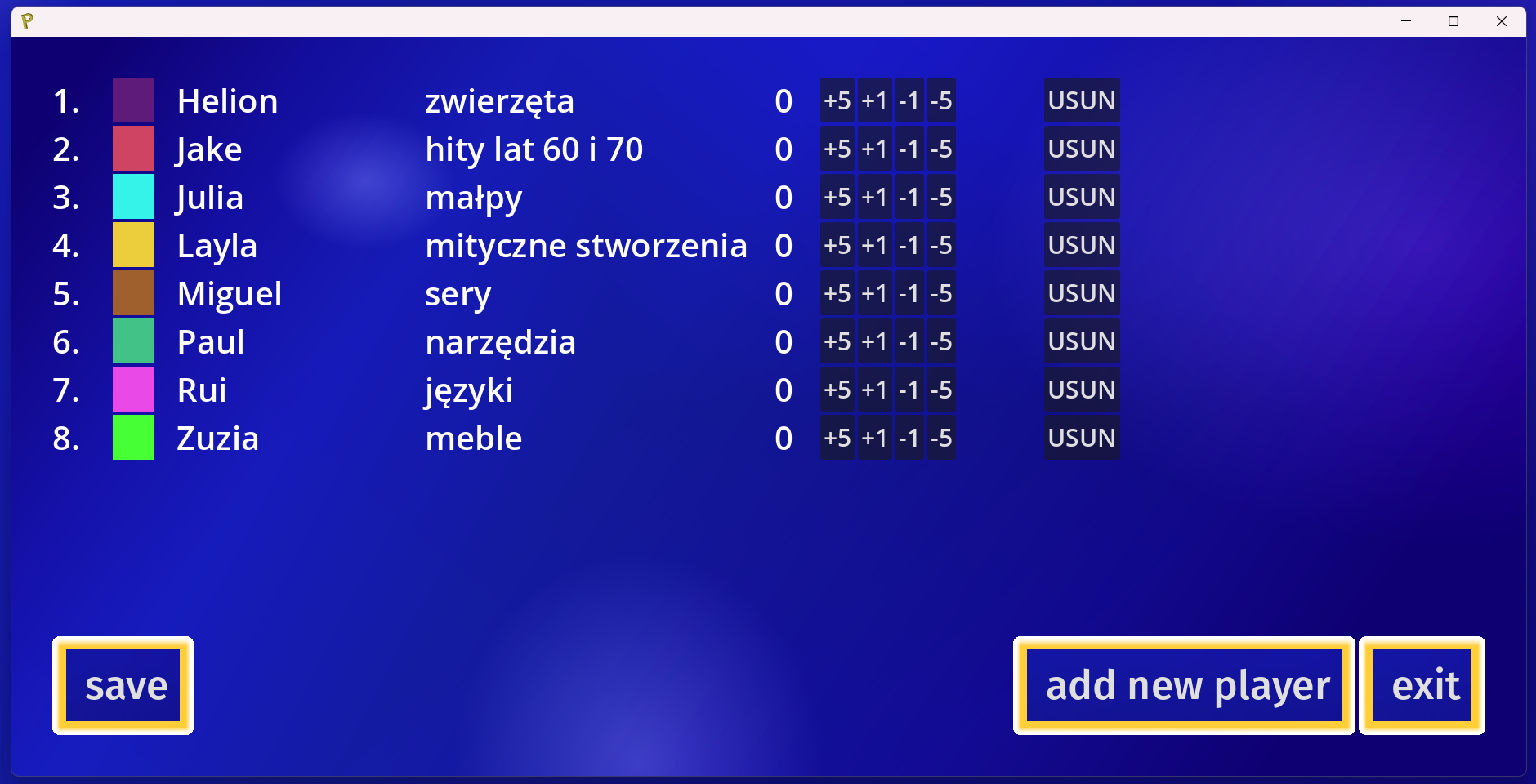
Create new players, every player needs a name, category, its distinguishable colour. Also, you can add an extra time bonus to the player you are currently adding. After the players are done, press NEW GAME button.
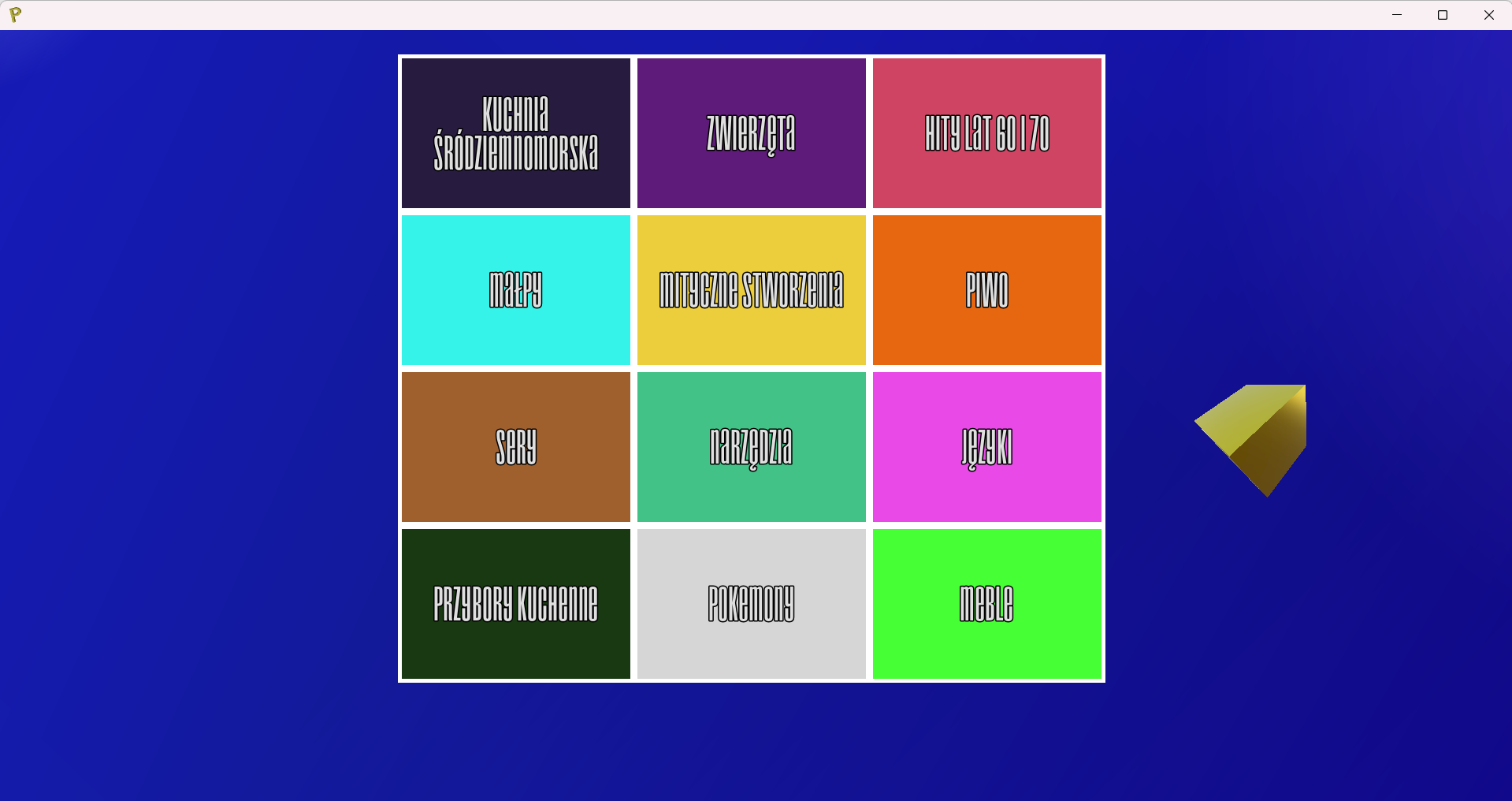
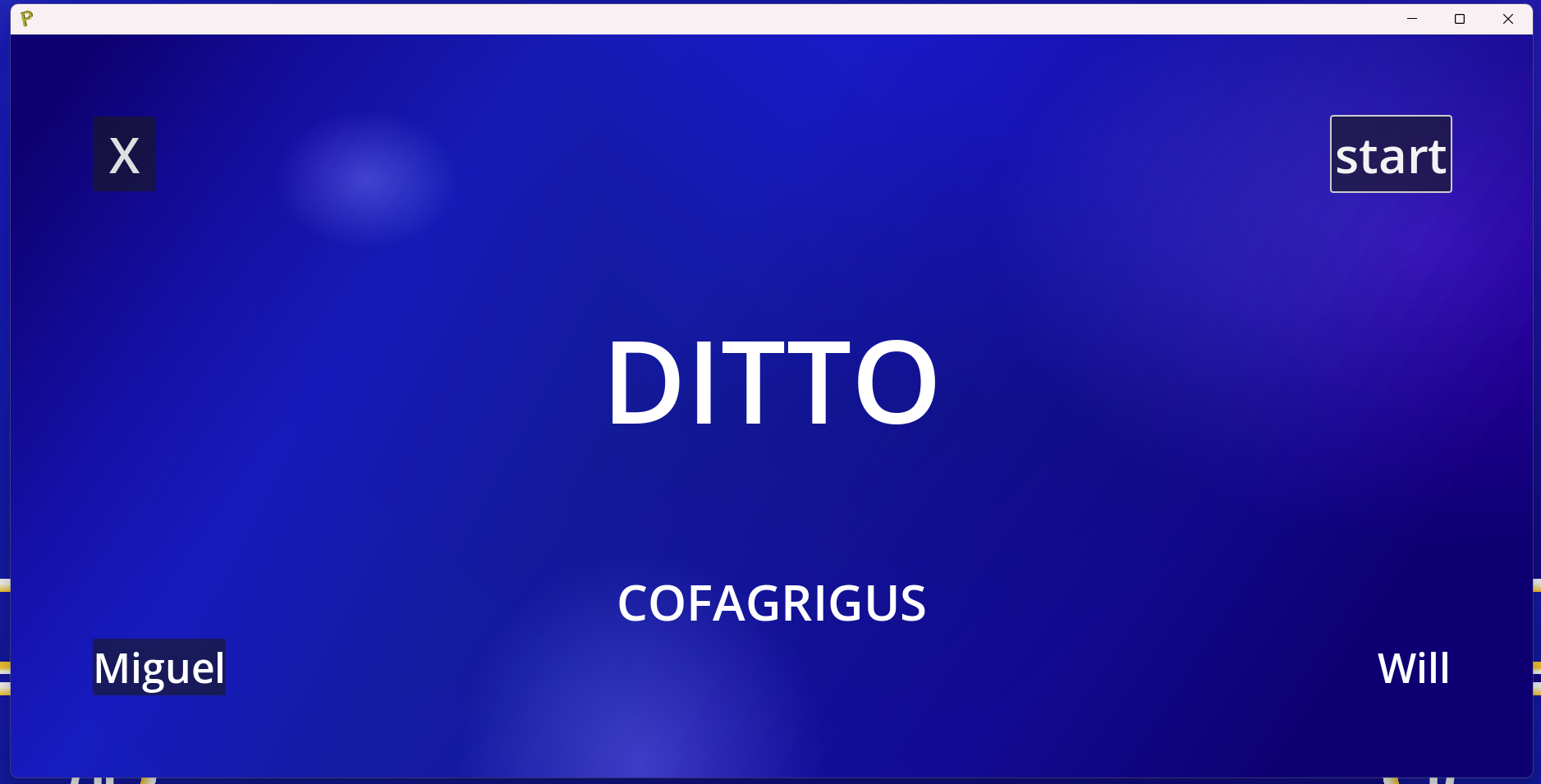
GAME LOOP: Press SHOW BOARD button. Next, choose two players to compete in a duel (the second one's category will be selected. Click START DUEL and then START button.
* The first player normally is chosen at random, however this product does not contain any player randomizer yet, I would recommend using a website like wheelofnames.com. Randomly chosen player picks an adjacent player (only cardinal directions) for a duel.
* The category of the first player will be passed as category of the player that wins the battle. The territories are also passed to the winner of the duel.
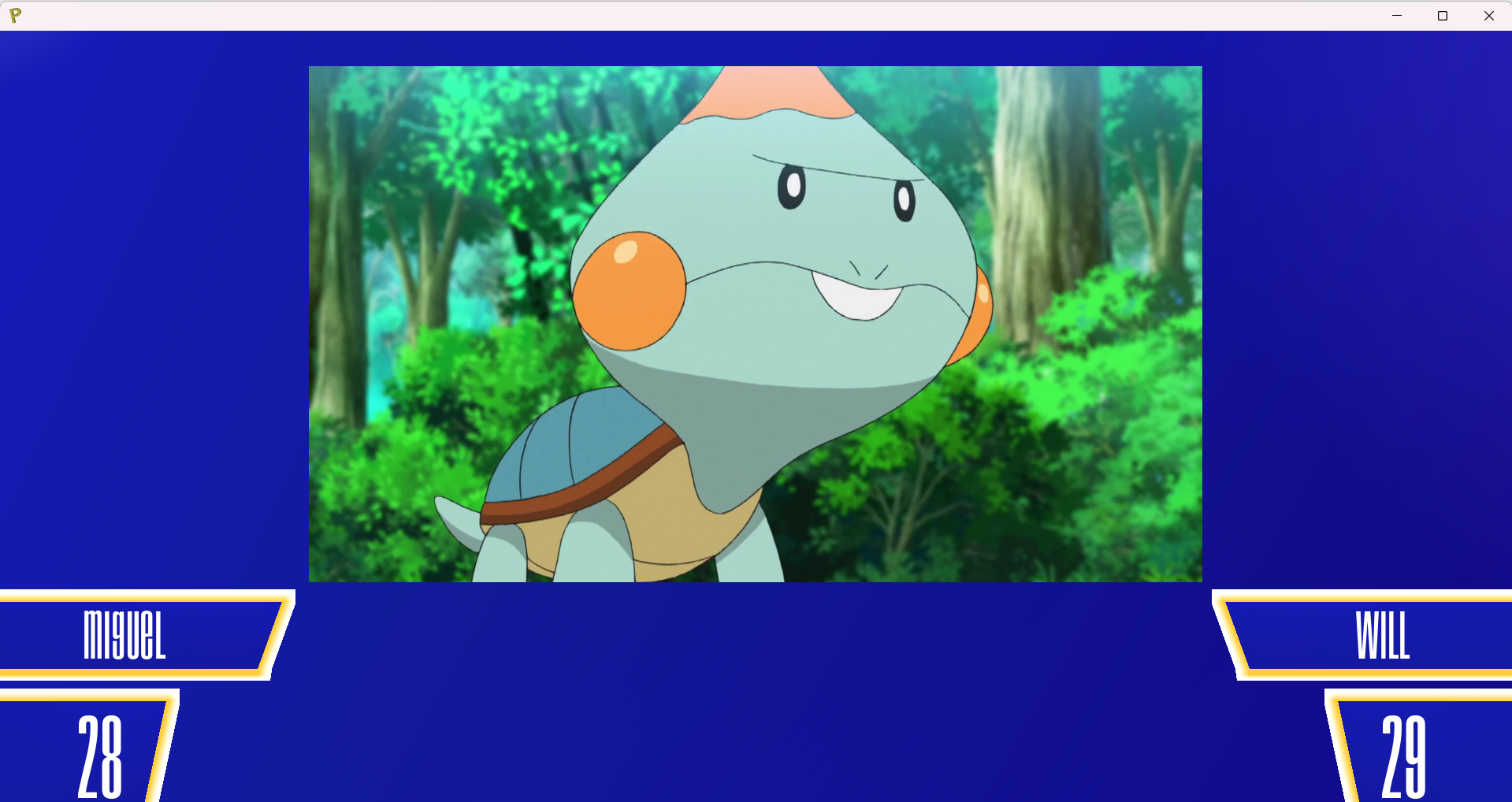
The player on the left is first to go: they have to name the thing displayed on the game screen. When they are correct, press LMB on any of the game screens, if they say PASS, press RMB. After the duel is done, press X and then FLOOR TAKEOVER. You can play until there is one player left.
* The game needs at least 3 players: 2 playing and 1 game master. The game master sees the screen with answers and the players only see the main window. To answer: players say the answer and the game master decides if they are correct.
The GOLDEN BLOCK gives 5 extra seconds to the next clicked player on the board.
*In the original game, they give it to the person that wins 3 consecutive duels. With my friends I gave if after 3 duels won, without the consecutive factor.
Leave a comment
Log in with itch.io to leave a comment.